
Description
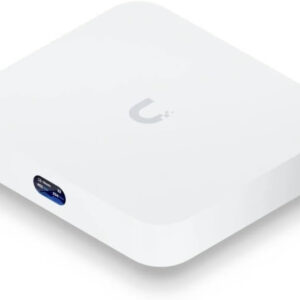
Ubiquiti U6+ Dual Band IEEE 802.11 a/b/g/n/ac/ax 3 Gbit/s Wireless Access Point, 2.40 GHz, 5 GHz, MIMO Technology, 1 x Network (RJ-45), Gigabit Ethernet, 9 W, Wall Mountable, Ceiling Mountable
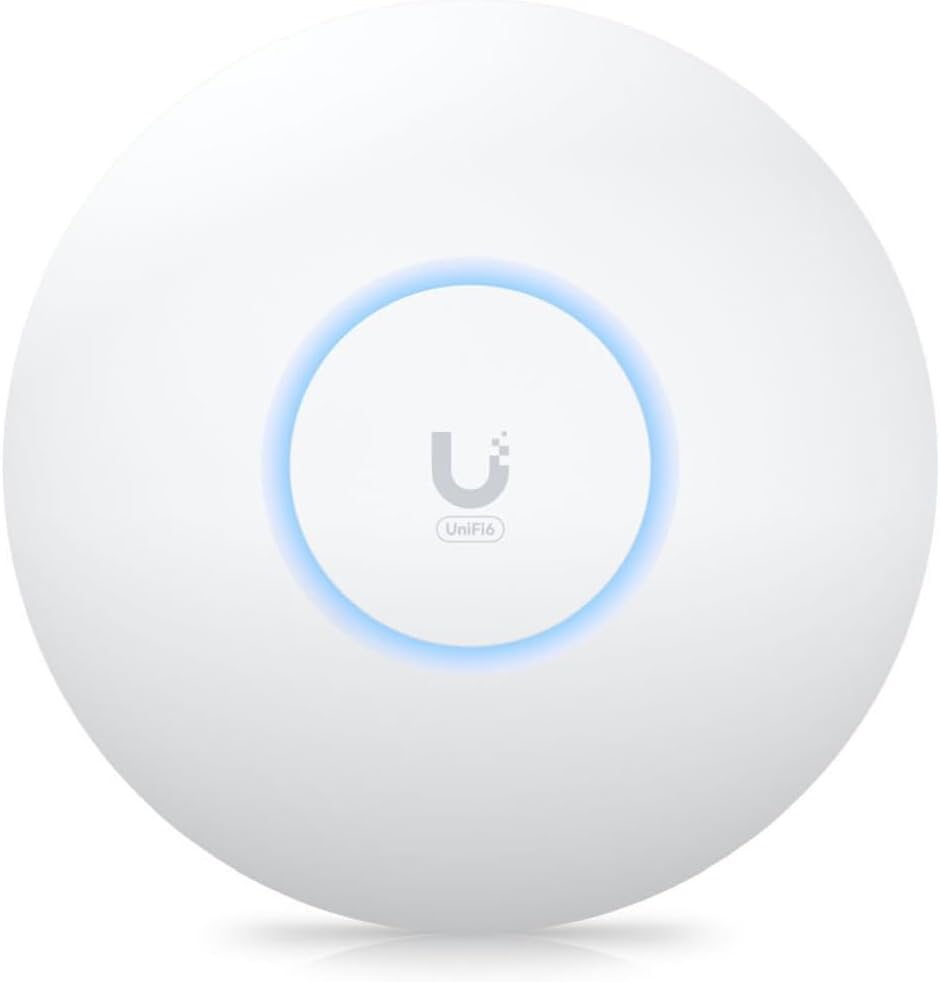
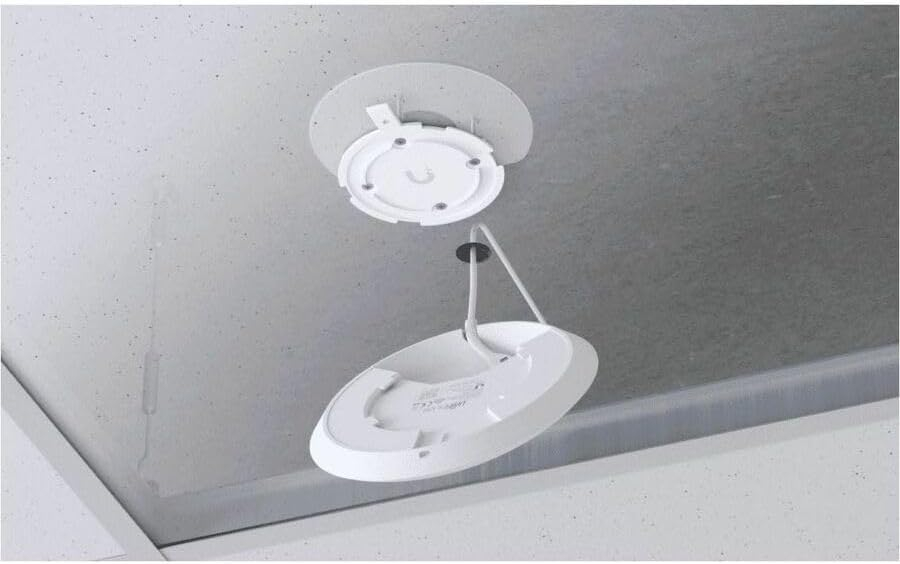
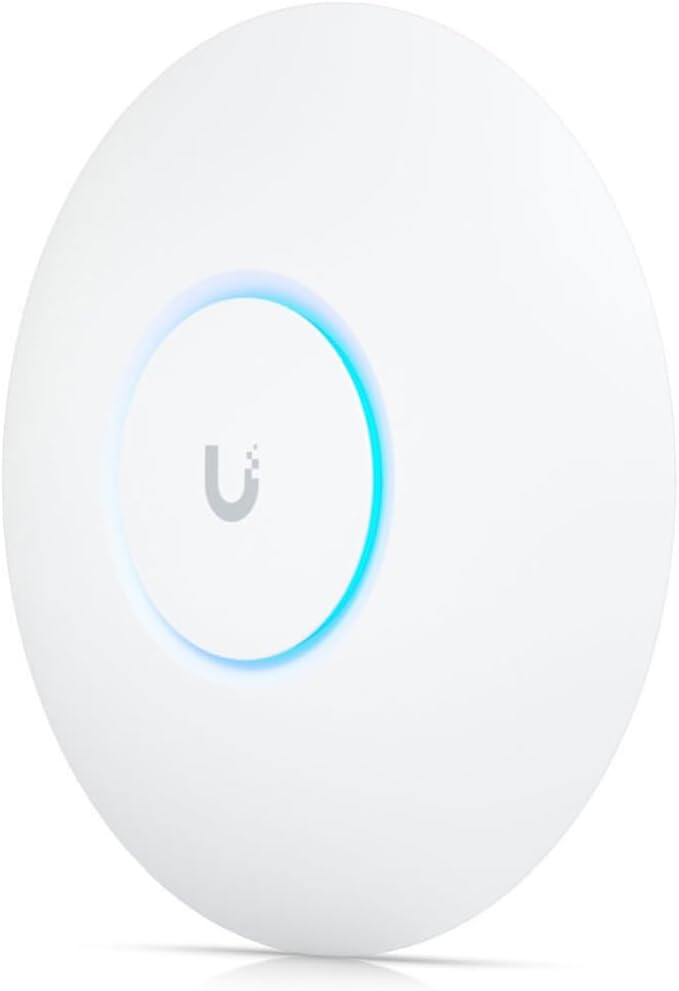
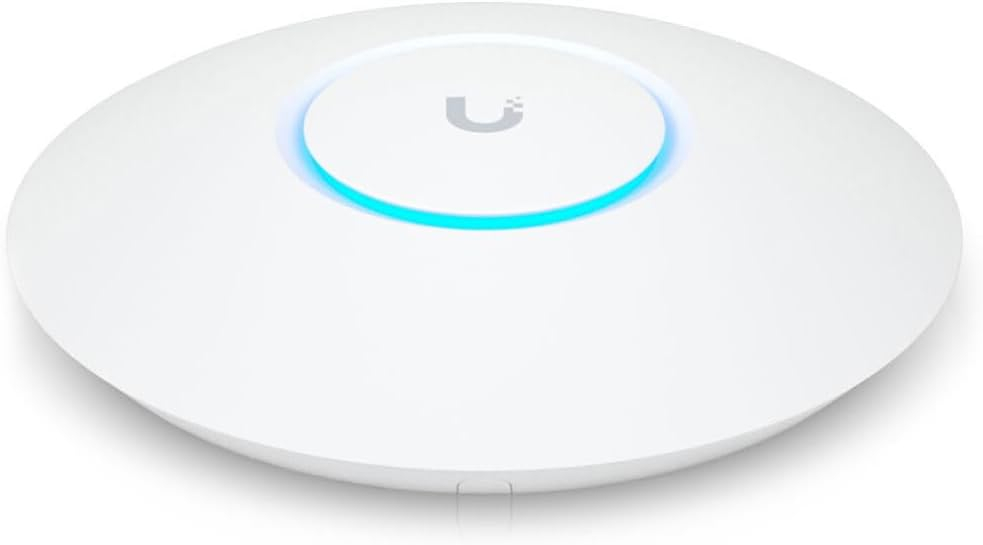
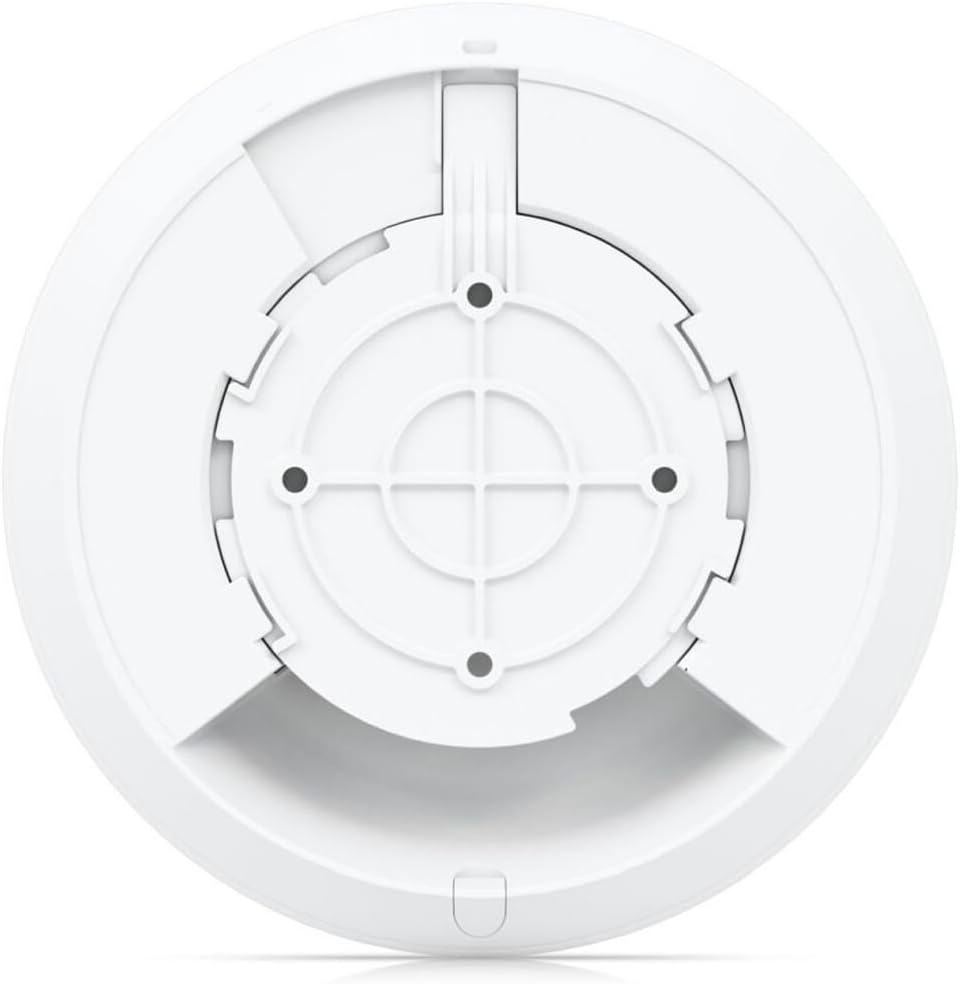
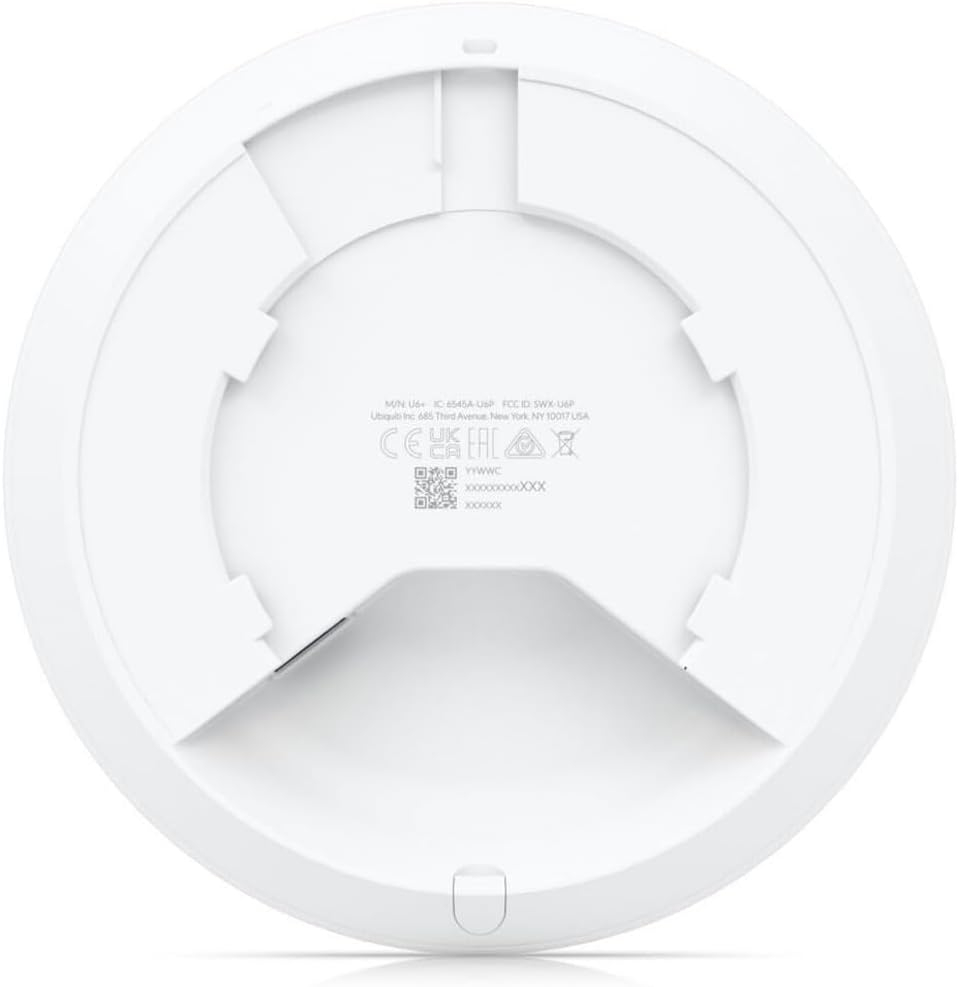
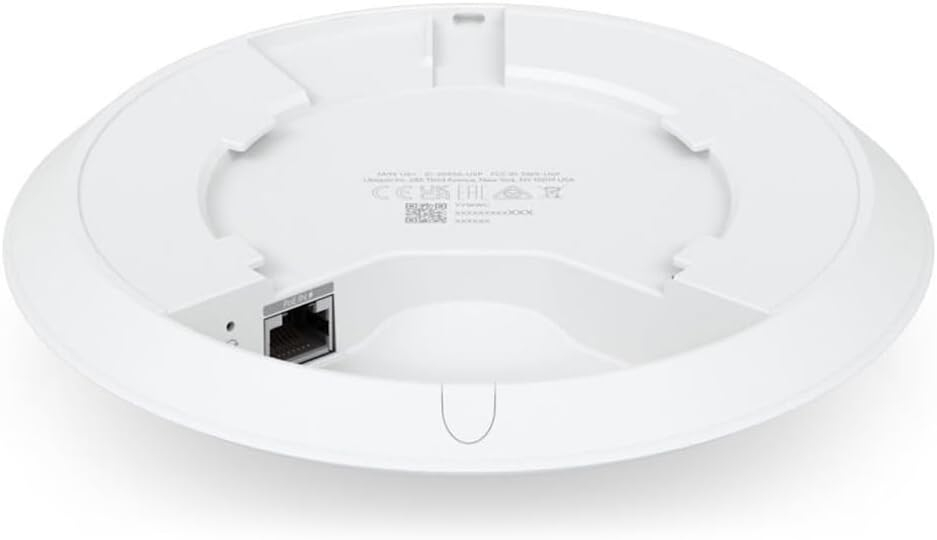
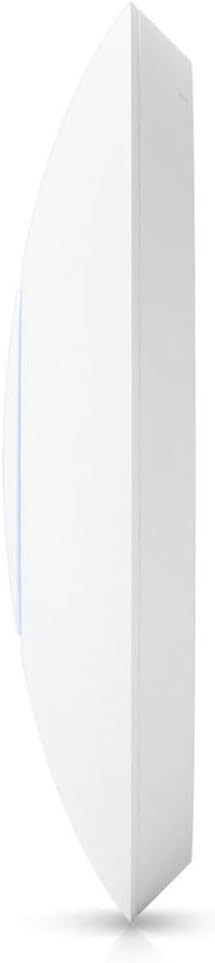
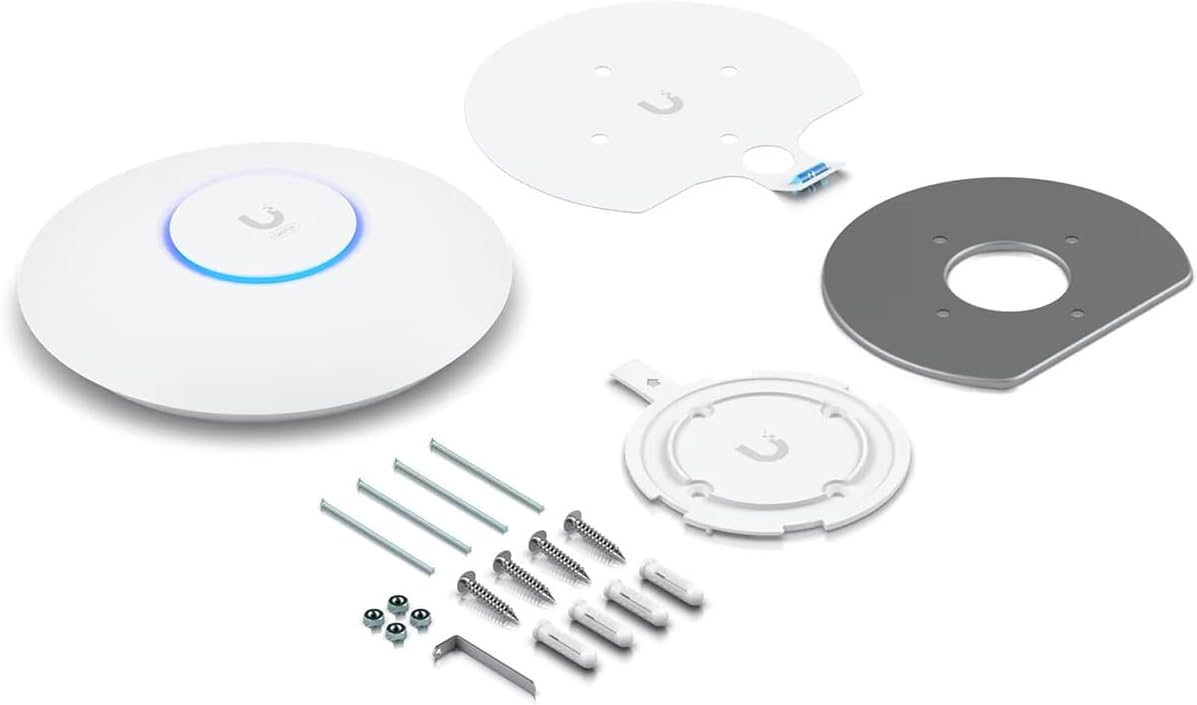
Brand Ubiquiti Networks Model Name U6+ Special Feature WPS Frequency Band Class Dual-Band Wireless Communication Standard 802.11ax Compatible Devices Laptop Recommended Uses For Product Business Included Components Access Point U6+, Wall/Ceiling Connectivity Technology Wi-Fi Color Information Not Available Create a reliable wireless business network with this wireless access point that features a high-speed data transfer…
10 in stock
Ubiquiti U6+ Dual Band IEEE 802.11 a/b/g/n/ac/ax 3 Gbit/s Wireless Access Point, 2.40 GHz, 5 GHz, MIMO Technology, 1 x Network (RJ-45), Gigabit Ethernet, 9 W, Wall Mountable, Ceiling Mountable
| Weight | 0.74 lbs |
|---|
Amazon Customer –
Ubiquiti it’s an ecosystem. You’ll need a Ubiquiti router to go with this, the setup of the unit is done though the router. This is a nice unit, you do need Power over Ethernet (POE+) to power the unit. Ubiquiti makes a POE+ injector that works with this unit. I’ve installed two of these in my house, one replaced my old wifi router (on the second floor) and I added a second (in the basement) to improve the 5ghz signal on the ground floor. The nice thing is that these are not that expensive so adding a second unit to improve coverage is cost effective. The setup is a lot cleaner than most of the consumer wifi access points I’ve worked with. And the U6+ has some nice features, like being able to setup multiple wifi ssids and have a guest network, and add a network just for you IOT devices. I’ve only recently joined the Ubiquiti ecosystem, I needed a new main router and after a couple of misfires I dropped the cash for a Ubiquiti Dream Machine Pro. AND I AM glad I did. I haven’t had a problem with the unit and adding these wifi access points to the system was easy. Plug them into the POE power Injector hooked to the network port, go to the router web interface, adopt them (yes the are sad and lonely orphans until you adopt them) and set the ssids and passwords. I set the U6+ to the same ssid and password that I used on the old wifi access point and all my devices just logged right in. I didn’t have to go around and mess with them. Even my kindles and Echos were happy. Adding the second Access Point (AP) was simple. Plug it in, adopt it, and it was done. My devices log into the strongest of the two APs. This is the kind of networking I love, it just works. I’m sold on Ubiquiti. Nice hardware good simple appearance. Nice web interface. You can locally administer the router, and don’t have to use the cloud management. All the cloud management port is doing is connecting you to the routers web interface. For home use it’s a toss up.The U6+ is a solid unit and kind of looks like a sleek fire alarm when mounted on the ceiling. Mine is in a closet, and I left the led on so now there is a little illumination in the closet. Two for one. My wifi is great, my devices are happy, and I have hardware that is supported and getting firmware updates.
Rajai Dias –
The Internet in my home had been getting progressively slower, and the television was becoming unwatchable. After a protracted diagnostic process, I isolated my access points as being the problem. These units were at least five years old and were totally obsolete. I bought two ubiquity dual band access points, which arrived the same day. The mounting process was a breeze; I have ethernet cables coming out of holes in the ceiling. I was able to attach the two piece mounting plate to a ceiling joist. After attaching the units to the plate, there is still a little bit of a hole visible from the original junction box in the ceiling. It would be nice if the mounting plate had holes for a standard junction box.Anyway, once the thing was plugged in, and I found the right app, the access points were immediately found. I programmed them to my existing Wi-Fi and password, and that was that. It took about 10 minutes.The speed is phenomenal. The coverage is expensive. I couldn’t be happier. I’m just sorry I didn’t do this years sooner.
Brian Cannell –
Works great and easy to setup. I use this outside asa dedicated WiFi for outdoor tv. It is in a covered area outdoors.
Trav –
Ive nothing bad to sat about this. Ubiquiti always makes a great product and this is no exception. East to install and adopt to my network.
Orion –
I recently upgraded my Unifi based home network. I had an old Edgerouter PoE that was starting to intermittently fail. I had thought the problem was my Unifi AC Pro that kept dropping, but I came to realize that it was due to inconsistent PoE power from the Edgerouter that was causing my issues. The Edgerouter consistently ran very hot, and it seems plausible that after 6 or so years that it would start to fail.I ended up replacing the Edgerouter with the Unifi Dream Machine Special Edition. It not only gave me far greater control of my network assets, but it proved that the old Edgerouter was the culprit – no outages since the conversion. I had a third party wireless router configured as an access point that was still working, but since I implemented VLANs on the UDM-SE, I lost some wireless functionality since the 3rd party router could only broadcast 1 Wifi SSID, which was a problem. So, I replaced it with this AP.It set up pretty easily – I had a few learning curve issues to contend with, but after some trial and error, the AP came up well. I kept it located where the old 3rd party AP was, and I now have seamless coverage with the multiple SSIDs without issue. I am no network expert, and the new capabilities required some patience, but it is all up and running, and I couldn’t be happier.There are still some network config issues that I have to resolve, but they are minor. This AP fits in well and provides the coverage intended, and I have much more control over how my network works!
Crypt_ouija –
No getting the expected signal for the price. connectivity is superb. wifi connectivity no issue. it is smooth. signal strength is very good even from any extreme corner of my house. only think I do no like about the throughput.. na not good, not even half of ISP provided.
toddl –
Ubiquiti wireless gear is the best available and this AP is no exception.However, the only way to power this particular AP is via POE, however, a POE adapter isn’t included, so you’ll need to buy one too if you’re not going to be running this off a POE capable switch.
khalifa –
ممتاز
ممتازه وعمليه وسهولة في التركيب والبرمجه
Marco Plinio –
Excelente Compra
Mi casa es 90 mts x 2 plantas, lo coloque en el 2do piso, y quedo preciso mis equipos no llega ni a los 70 RSSI, es un AP que suguiero tener el Gateway de Ubiquiti, si voy tener que comprar en un futuro otro AP pero para tener buena covertura en el exterior por debajo de los 70RRSI
sm al mamun –
Good product
Best product