
Description
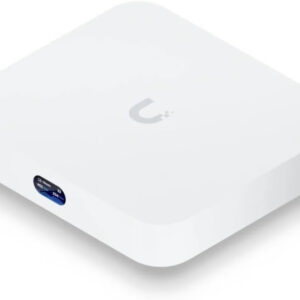
Compact 2.5G Cloud Gateway with 30+ UniFi device / 300+ client support, 1.5 Gbps IPS routing, and selectable NVR storage.
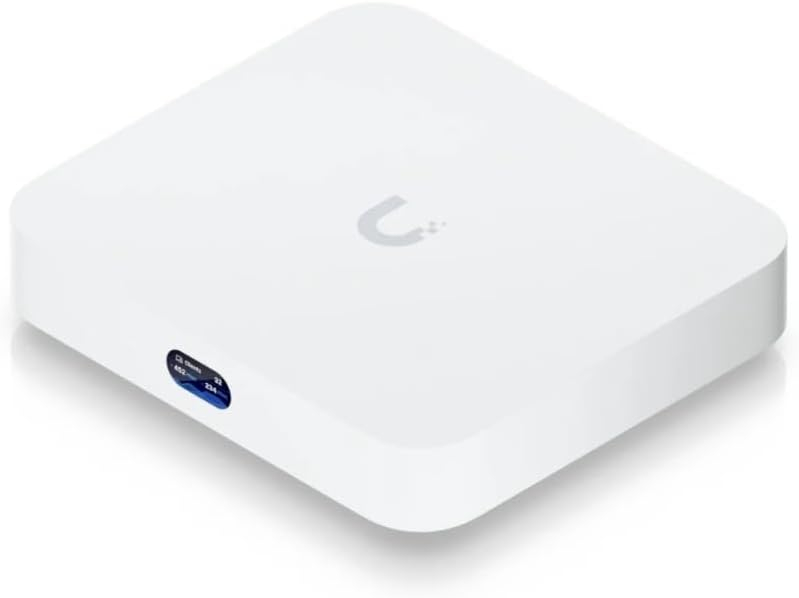
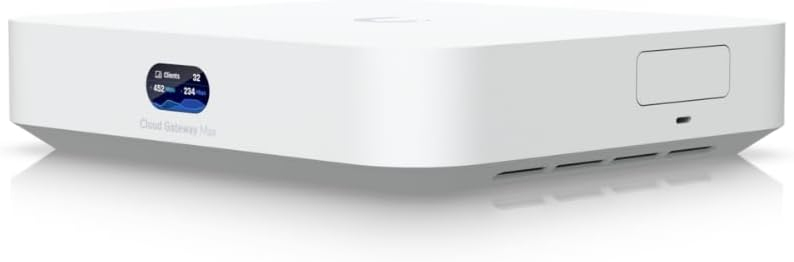

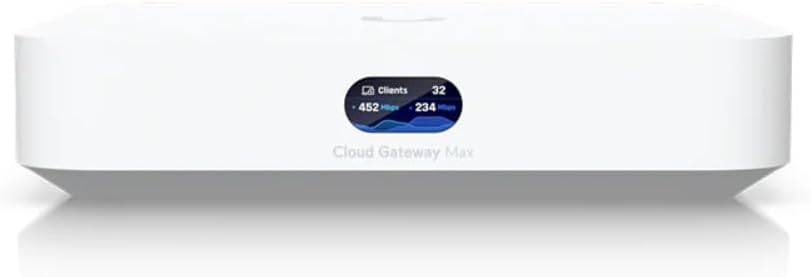
Connectivity Technology Ethernet Compatible Devices Personal Computer Brand Ubiquiti Networks Memory Storage Capacity 2 TB Hard Disk Size 1.0, 2.0 TB Includes full UniFi application suite for device management Manages 30+ UniFi devices and 300+ clients 1.5 Gbps routing with IDS/IPS Multi-WAN load balancing No Storage – 512 GB – 1TB – 2TB NVMe SSD…
10 in stock
Compact 2.5G Cloud Gateway with 30+ UniFi device / 300+ client support, 1.5 Gbps IPS routing, and selectable NVR storage.
| Weight | 2.3 lbs |
|---|
Dan Tammaro –
I love this unit. I was new to unifi and the UCG max was the perfect entry level product for me. It was super easy to set up. I bought mine with no hard drive as I was not going to use any unifi cameras but that has changed. Adding a drive to this was easy. There is a good amount of ports on the back that allows you to make this the main hub or branch off to other switches. You won’t be disappointed
JSN –
Great addition to the network. Allows you to see pretty much all activity, including what your children are doing.
Austin –
Works fantastic and was super easy to set up. The performance and features are exactly what you’d expect from Ubiquiti. It fits perfectly in a 10-inch mini rack, making it an ideal choice for homelab enthusiasts or anyone building a compact network setup.
Gary Exline –
Works great. Exactly what i wanted. Setup was easy.
yiğidovic –
top notch unifi quality as usual loved every piece of it including outstanding analysis data in router panel. talked a lot with chatgpt for using it effectively and could not happy more than that
Wesley –
We had to get this in a hurry since our exiting router had decided it’s time was up.I’d know it was on its last leg, so I’d started searching for a replacement. This has been one of the best purchases I’ve made.The router is easy to configure and out of the box, takes only about 10 minutes to be up and operational with basic settings.I’m hooked on Unifi products after this experience.Downside: For the full benefit of this device, you’ll need UniFi networking gear. Especially, the Access Points. That is not clear.Once you do, you can manage the entire network from the console.Yes, you can work around those limitations, but it’s not as elegant a solution.
D. Coral –
This is solid as long as you don’t restore previous standalone controller settings from backup onto this device.I learned the hard way. After I took the settings from the controller on my Windows PC and restored them to this device, the UCG-Max kept going offline every few minutes. Finally as a last ditch attempt I restored to factory settings and re-created all of my controller settings manually. Now this is rock solid and now I love this little thing.One other suggestion I have for Ubiquiti (hey if anyone is reading this!) please don’t hard code port 8080 for inform. It’s possible to change the port in the system.properties in the standalone software controller, but not on these cloud controllers. My Milestone XProtect surveillance system also uses port 8080 and I had to change a lot of longstanding settings in the surveillance system to make way for this device.Overall very nice and I’m happy with the UCG-Max. Just go with a clean install (not restore!)
Antonio –
Now I have AP all over my home